Plan every kind of trip
Build a route, add multiple stops and drop geo-markers for the places, hazards and moments that matter.
The platform
Plan the route, navigate with your crew, record what happened and keep every journey ready to revisit or share.
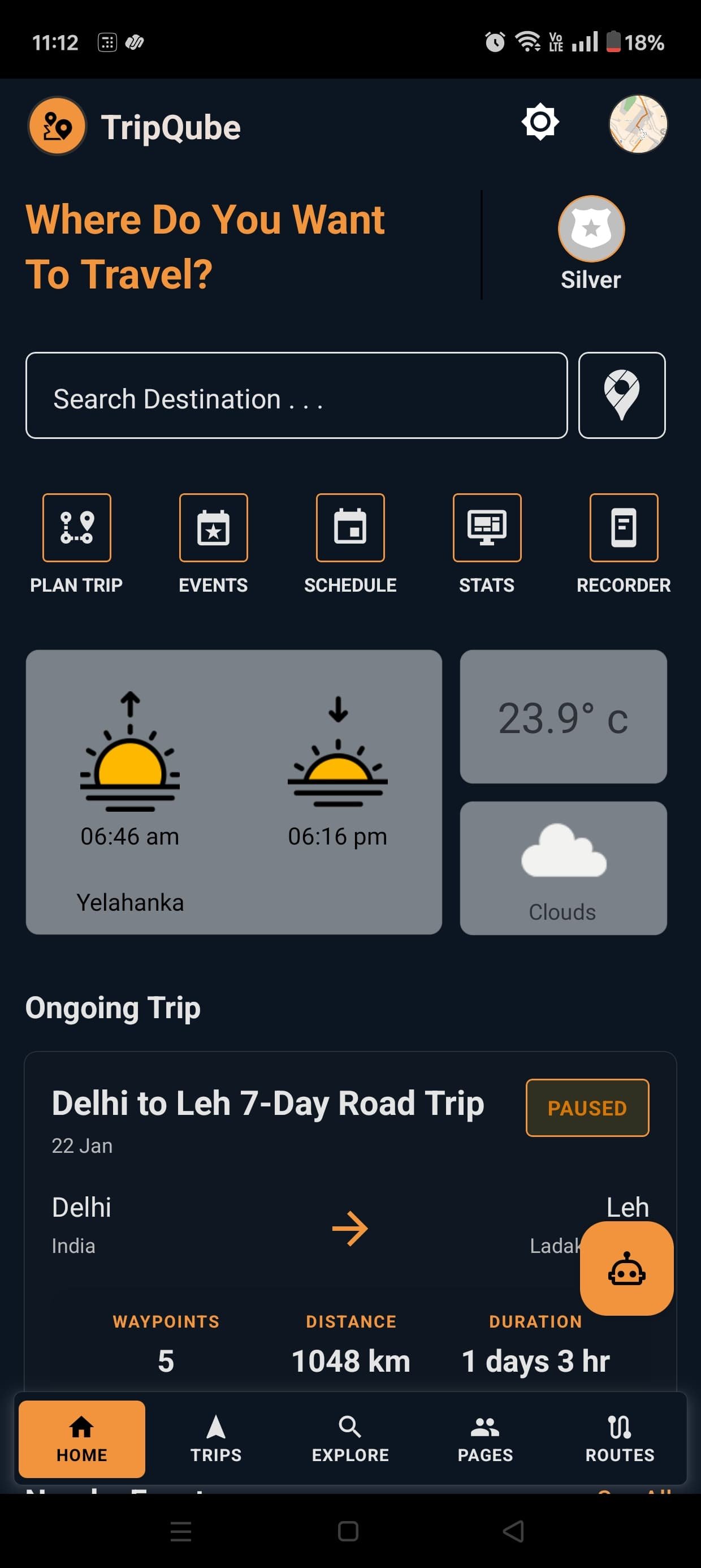
From idea to memory
TripQube brings the tools that normally live in separate apps into one connected travel experience.
Build a route, add multiple stops and drop geo-markers for the places, hazards and moments that matter.
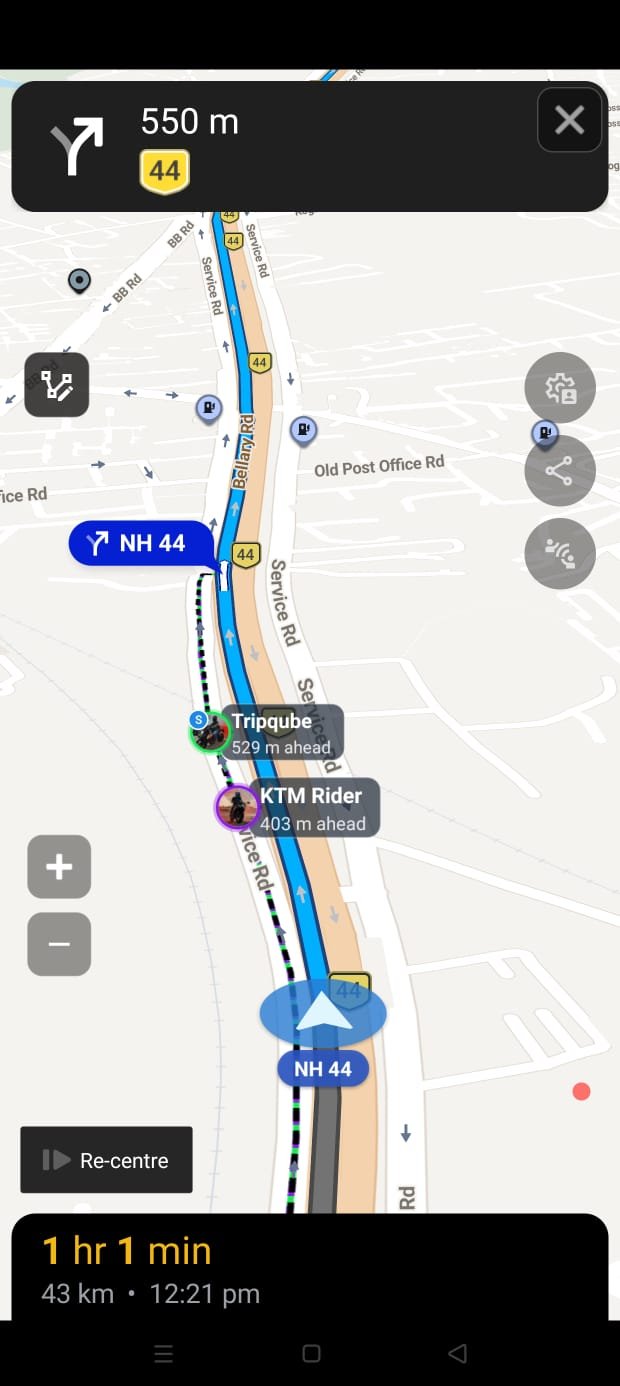
Share a journey with your crew and see live member positions while everyone follows the same route.
Capture the path you actually travelled, including trails and roads that are not part of a conventional route.
Return to planned, ongoing and completed trips with the route and journey context kept together.
Turn a recorded journey into a visual replay that is ready to share with your crew.
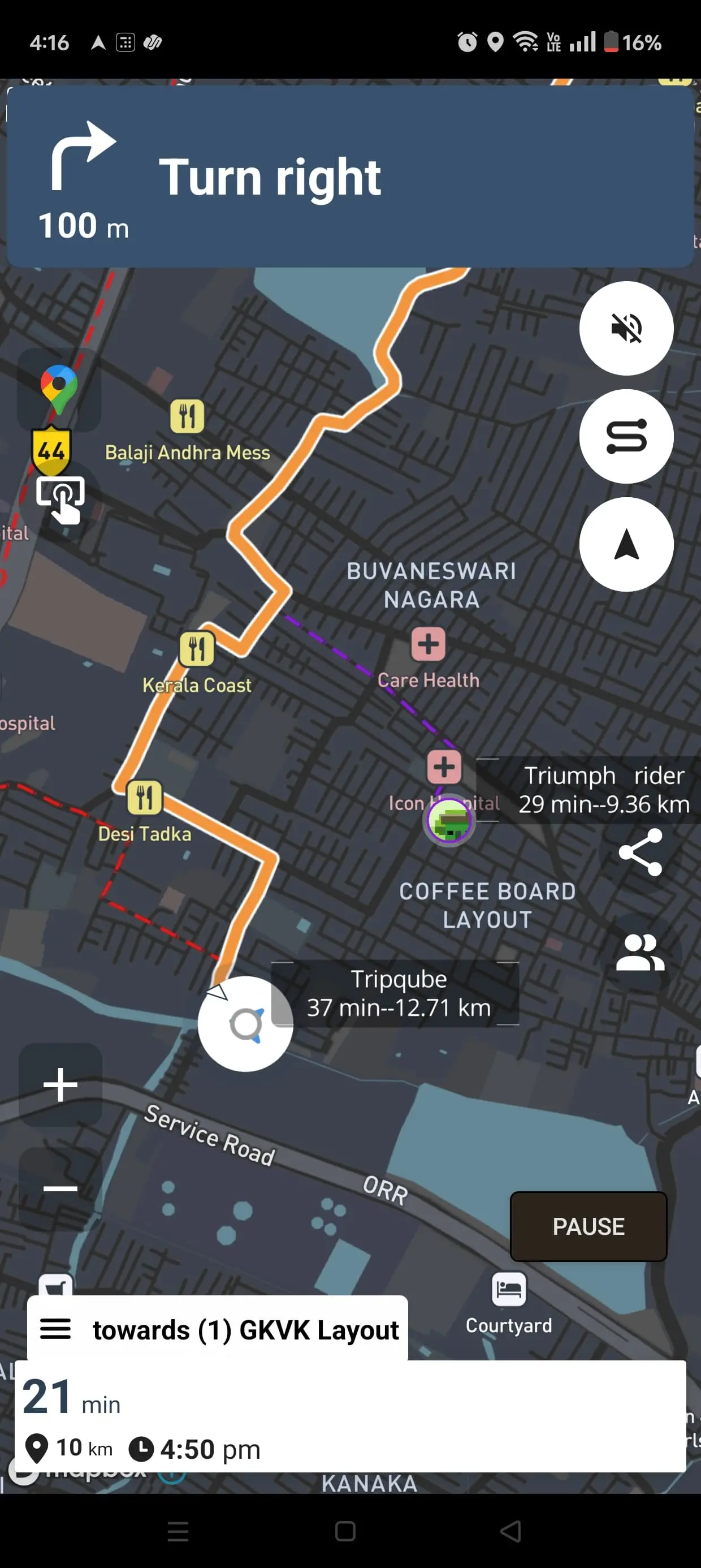
Carry the same journey to Apple CarPlay, Android Auto and the SCOUT Connected Adventure Display.
Before the journey
Build a journey around more than a destination. Plan stops, create the route and keep useful locations visible before the first kilometre.
During the journey
See the active route and the people travelling with you in one view. Shared navigation helps a ride or convoy remain connected without switching away from guidance.
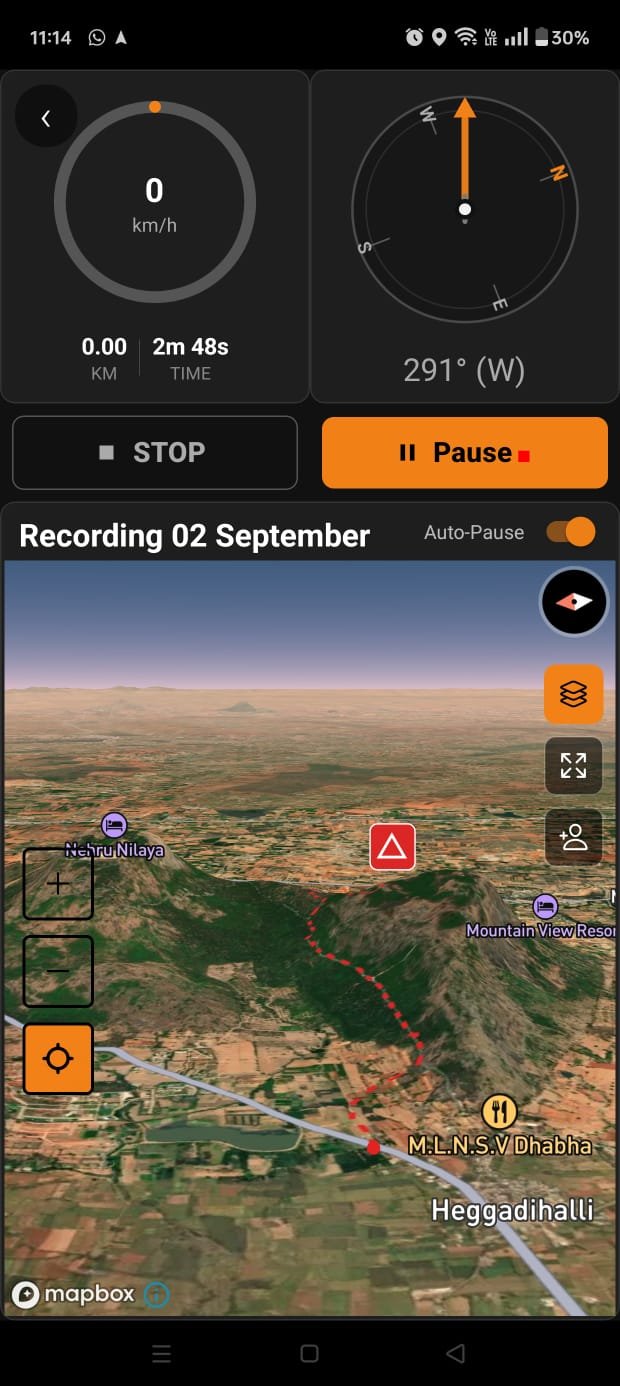
Beyond mapped roads
TripQube keeps recording when the adventure leaves the expected road. Capture a trail, examine the journey and keep it available as part of your trip history.
The same journey, more places
Continue navigation on Apple CarPlay and Android Auto, or move the essential ride information to SCOUT.
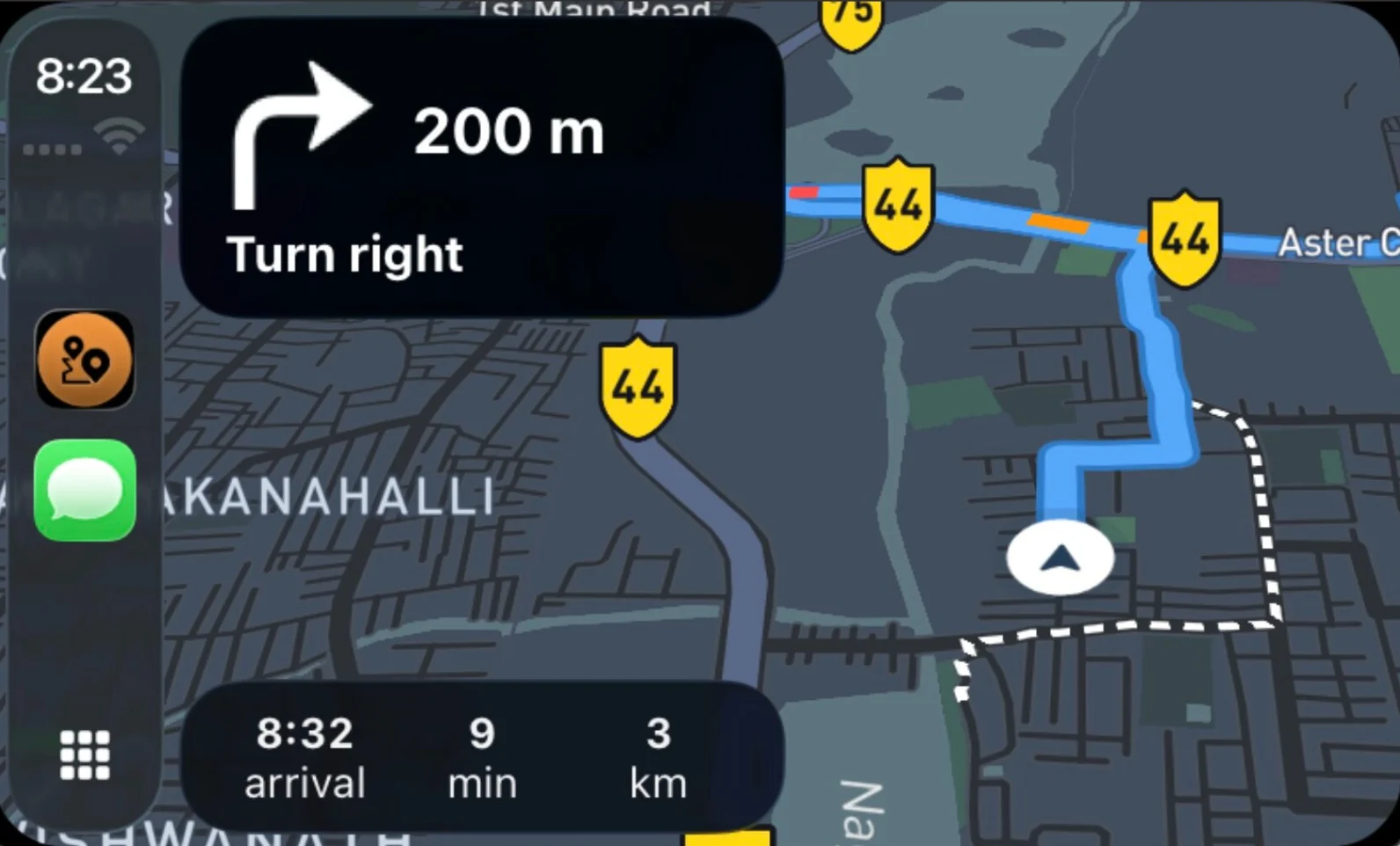 Apple CarPlayNavigation on the car display.
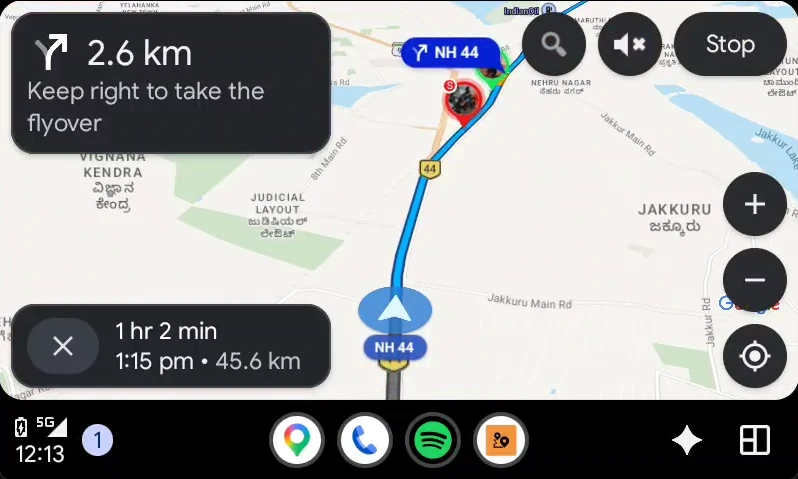 Android AutoThe same route on the dashboard.
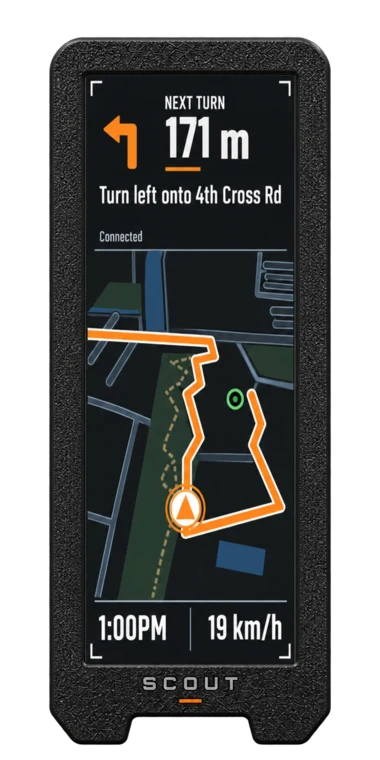 SCOUTFocused guidance and ride data.
 Trip replayRevisit and share the route.
The ecosystem starts here
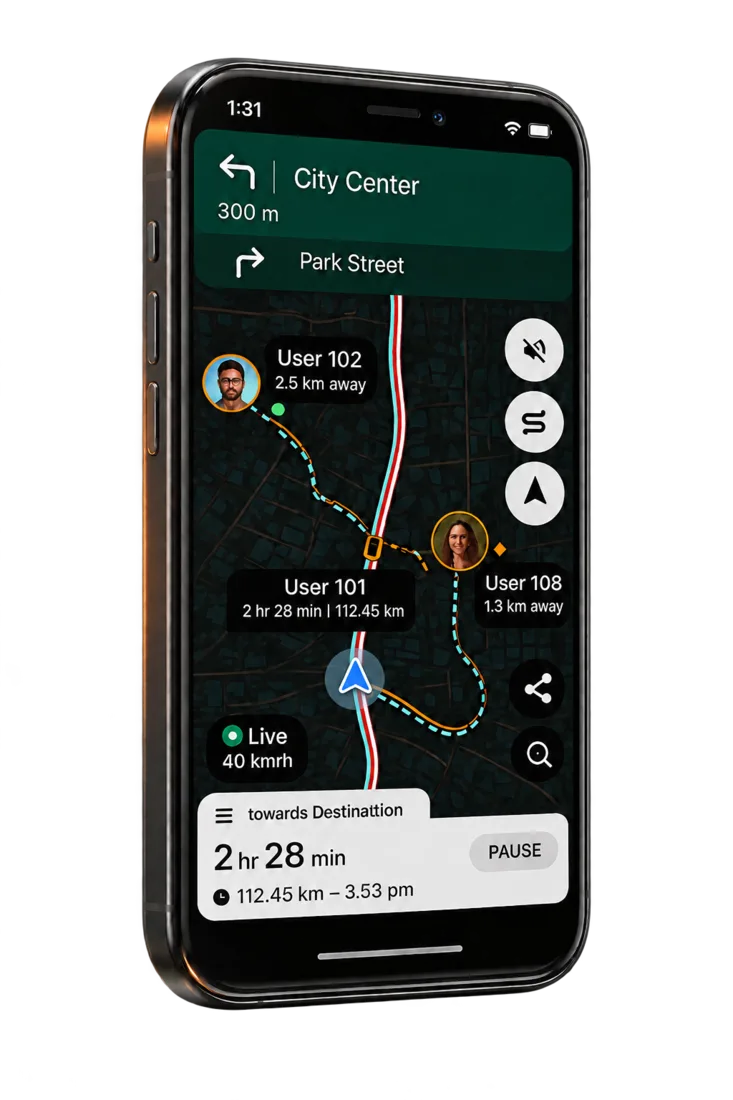 TripQube App
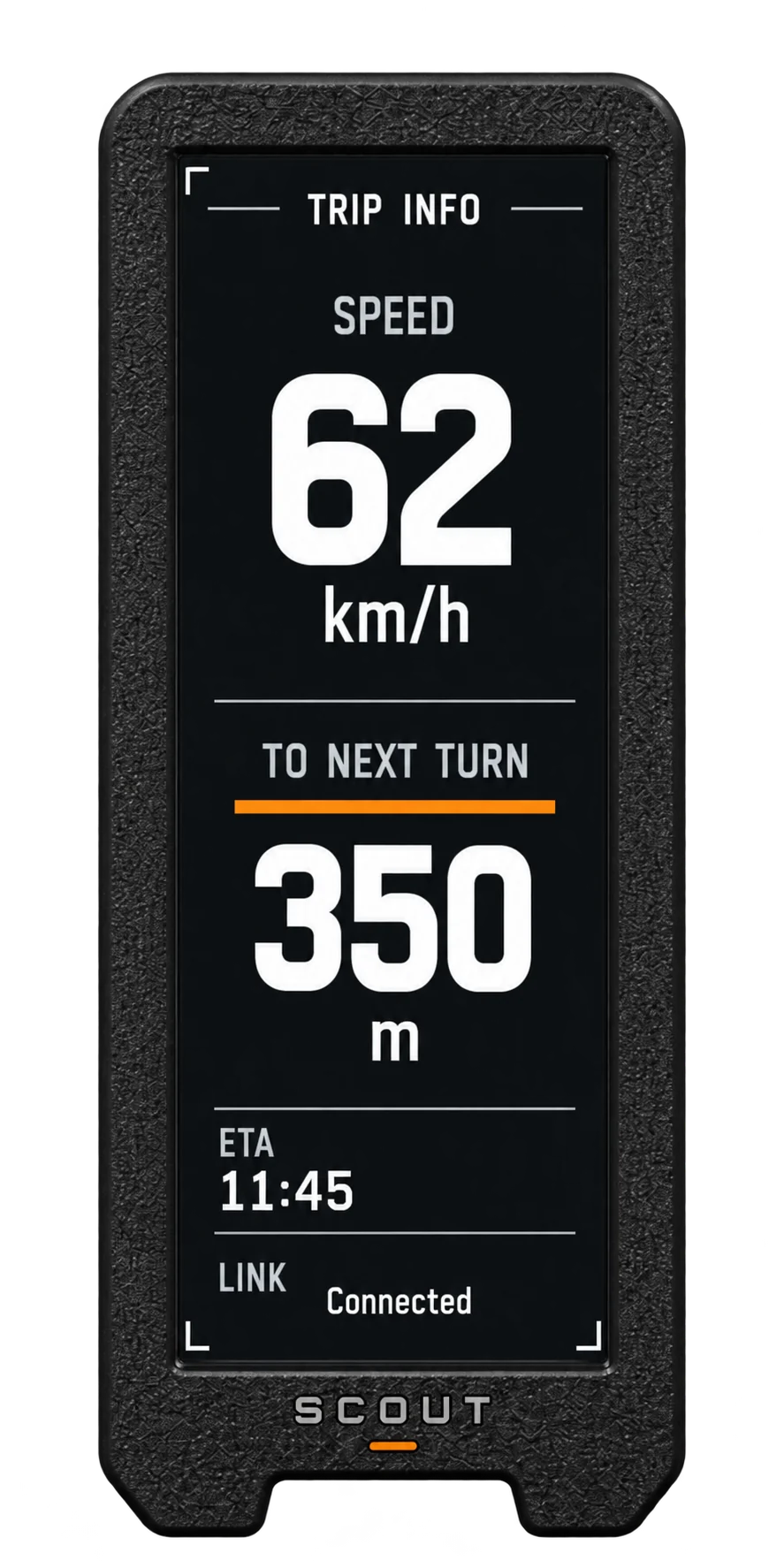
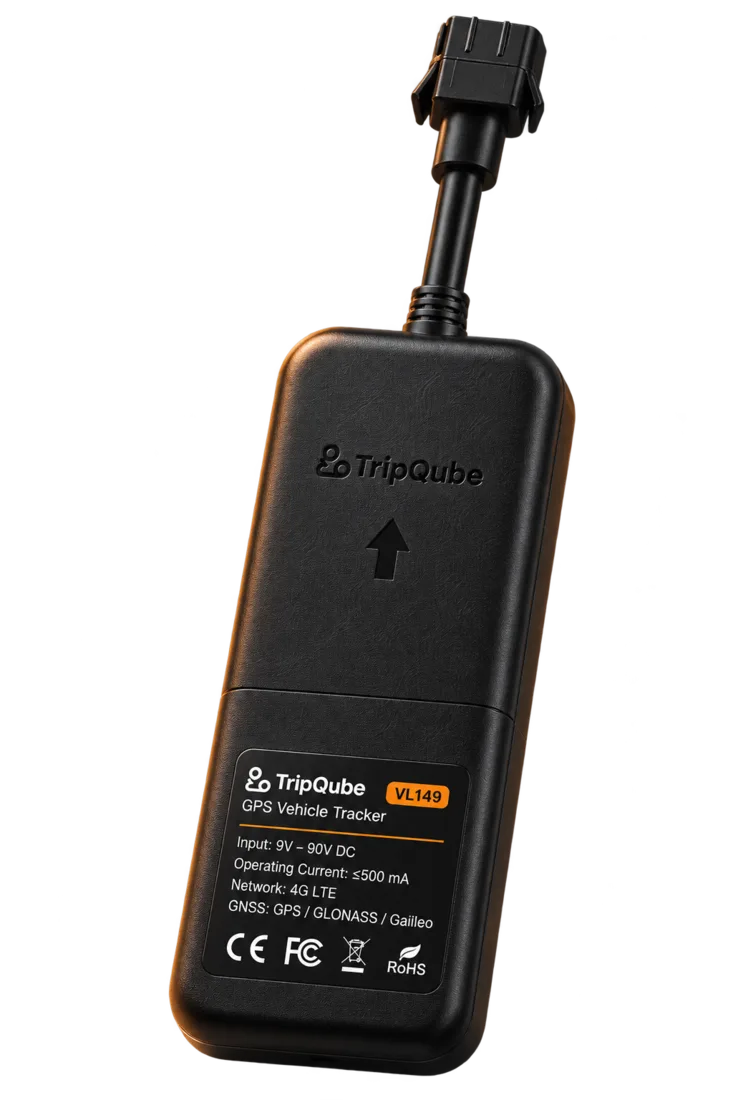
The App is the common layer: it plans the journey, powers SCOUT, shows GPS Tracker information and keeps the experience connected before, during and after travel.
Questions
Yes. Shared navigation lets a group use the same journey and see live crew positions on the map.
The App supports off-road route recording so the path you travel can be captured even when it is outside a conventional planned route.
TripQube supports Apple CarPlay and Android Auto, extending navigation to the dashboard.
Plan your next journey and build the rest of the ecosystem around the way you travel.